3.4 Logging into the Desktop
| The login screen should resemble the one shown in Figure 3-37. To log in, type root, or the name of another user account you created, in the text box labeled Login and press Enter. A second login screen appears, requesting your password. Type the password you earlier assigned to the user and press Enter.
Figure 3-37. The GNOME login screen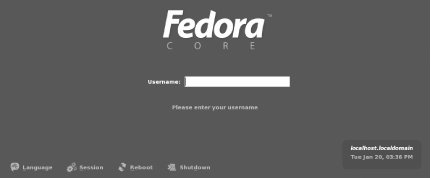 The GNOME desktop (Figure 3-38) appears. If you like, click around the desktop and see what you can discover. Chapter 5 explains how to use the GNOME desktop. However, you should read Chapter 4 before reading that chapter. Figure 3-38. The GNOME desktop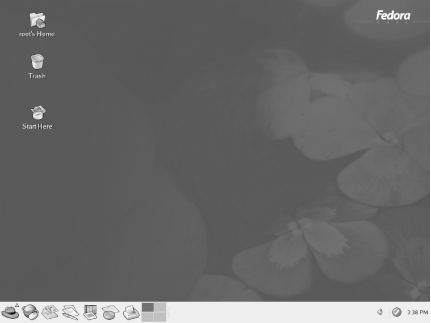 To shut down your system, click the red hat at the lower left of the desktop. Then click Shutdown and click OK. Wait for your system to power down; now you're ready to move on to Chapter 4 to begin learning how Linux works.
|


EAN: 2147483647
Pages: 115