Adding a Video Clip
| If you have a video clip that you want to associate with your document, you can insert it as an object. Word supports all standard video playback modes including Windows Media files and G2 Real Player files. Now, developing a document doesn't have to be a bland file. With the addition of clip art, sounds, and video, your document will be a complete package. Insert a Video Clip
 |


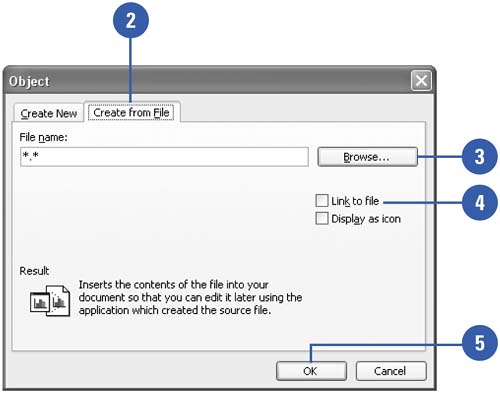
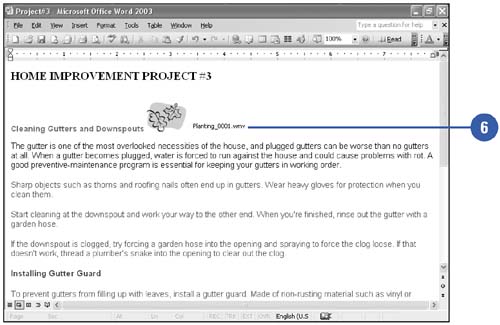

Show Me. Microsoft Office Word 2003. See it Done, Do It Yourself
ISBN: N/A
EAN: N/A
EAN: N/A
Year: 2002
Pages: 310
Pages: 310
- The Second Wave ERP Market: An Australian Viewpoint
- Enterprise Application Integration: New Solutions for a Solved Problem or a Challenging Research Field?
- Data Mining for Business Process Reengineering
- Intrinsic and Contextual Data Quality: The Effect of Media and Personal Involvement
- Relevance and Micro-Relevance for the Professional as Determinants of IT-Diffusion and IT-Use in Healthcare