Installing the Mandrake System
|
|

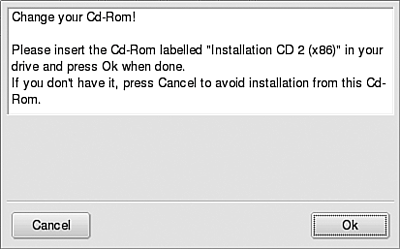
| Until now, Mandrake has been gathering information; your hard disk is unchanged. The next part of the installation procedure copies files onto your hard disk, changing your hard disk. While installing the software, Mandrake displays a progress screen, similar to the screen shown in Figure 4-21, showing the time remaining. Figure 4-21. Installation progress screen for Mandrake 10.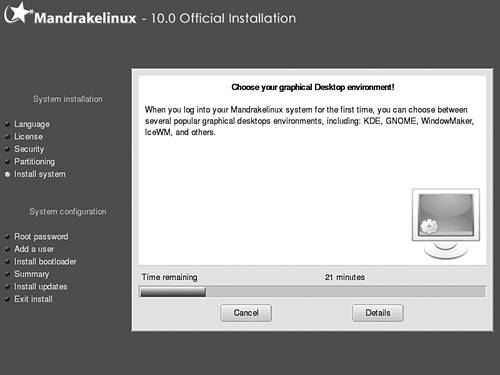 Depending on how many packages you selected to install, the installation might require more than one CD. Mandrake will request another CD when it needs one, as shown in Figure 4-22. Figure 4-22. The change CD screen for Mandrake 10.
|
|
|
