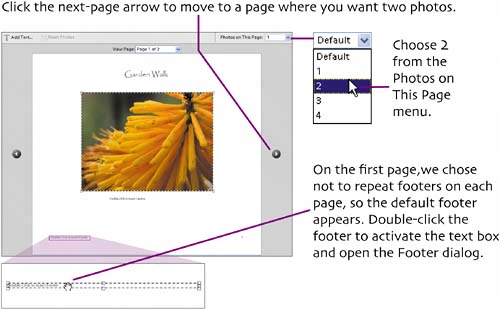
lay out two photos
|
 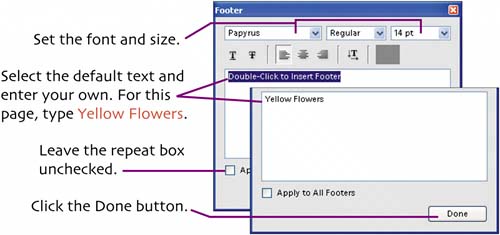 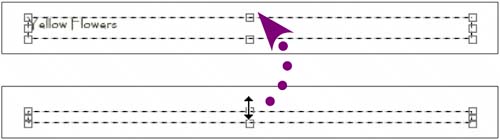 Enlarge the footer's text box. Drag the top handle up to reveal the footer text. 
Drag the upper-left handle of the top photo outwards to enlarge the photo without running into the caption text box.
Layouts vary with the orientation of the photos involved. You've seen the layout for two landscape photos. Here are the other two-photo combinations.
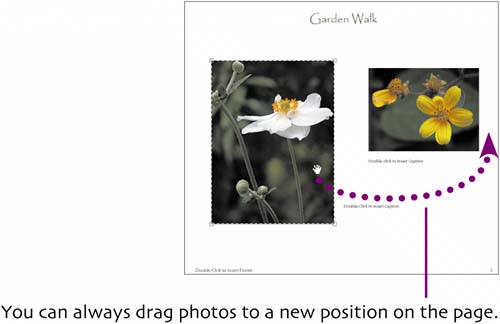 If you just want to change the order in which the photos appear, however, it's better to return to Step 2 of the wizard and rearrange them there.
|


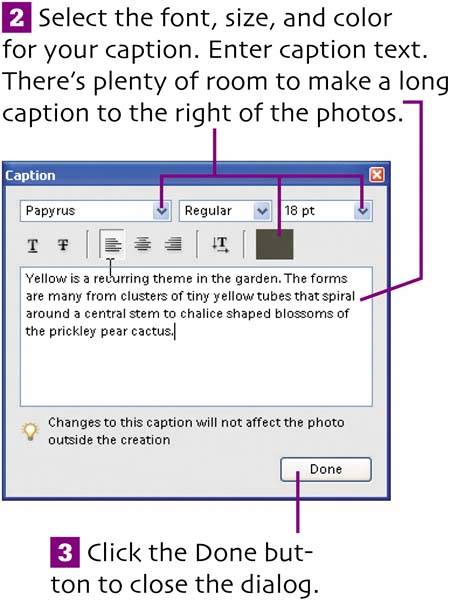
 You need to open up the text box to show all of the large caption. But the other caption is in the way.


 In
In 

|

Creating a Photo Album in Photoshop Elements for Windows: Visual QuickProject Guide
ISBN: 0321270819
EAN: 2147483647
EAN: 2147483647
Year: 2005
Pages: 110
Pages: 110
Authors: Katherine Ulrich