Analyzing UNIX Application Behavior
| < Day Day Up > |
| Now that you have a better understanding of application behavior investigation on Windows systems, you need to understand the differences you will witness when performing an analysis on a UNIX-based system. When configuring the behavior investigation job, the only difference is that the target operating system defaults to UNIX, as shown in Figure 11-25. The rest of the steps are identical to that of the Windows behavior investigation process. Figure 11-25. UNIX Behavior Analysis Configuration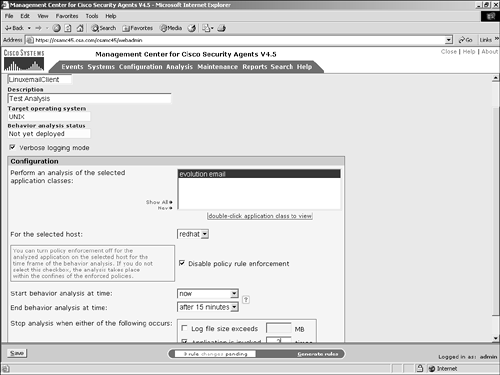 The piece of the complete process that changes the most is the UNIX Behavior Analysis report associated with the job. The UNIX Behavior Analysis report has only three sections:
The other sections that were available in the Windows report are not available because they are Windows-specific configuration information. Both registry and COM object are concepts only available to Microsoft Windows operating systems. As you can see in Figure 11-26, the report mechanism is the same as for Windows reports, and you still have the same data export option available. Figure 11-26. UNIX Behavior Analysis Report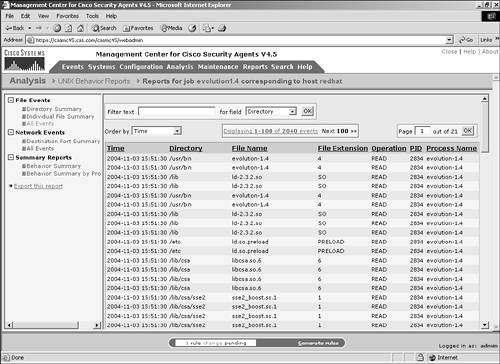 |
| < Day Day Up > |
