Deal those Cards, Ace
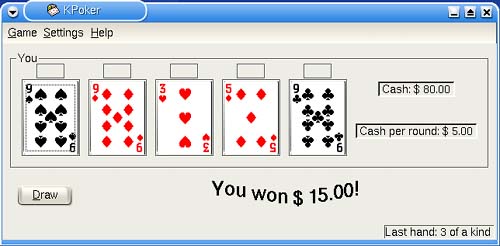
| If you find yourself with five cards in your hands, two of those cards being sevens and the other three being queens, and you call that a full house, you are my kind of person. We're talking poker, my friends, five-card stud and nothing wild. The KDE games package comes with a nice poker game called KPoker (Figure 18-7; command name kpoker) that features sound effects, animated cards, and configurable card fronts and backs (just click Settings on the menu bar and select Configure Carddecks). It's a great way to waste some time gambling without losing a fortune. The only downside is that you can't bluff the computer. Figure 18-7. KPoker is fun. No bluffing.
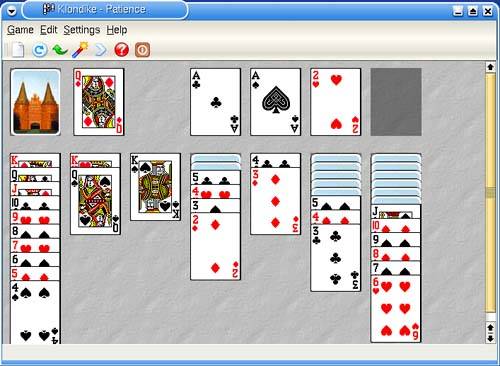
Almost anyone who has held a deck of cards knows about solitaire, a one-person card game whose object is to reorder seven piles of cards, drawn at random, into four ordered piles, by suit and in numerical order. You may also know it as patience (as I did, growing up). There are, in fact, many solitaire or patience card games; the most famous and popular is also known as Klondike. KPatience (command name kpatience) is more than just Klondike solitaire (Figure 18-8). Several games are included (click Settings on the menu bar and select Game Type), such as Freecell, Grandfather's Clock, Napoleon's Tomb, and others. As with KPoker, you can change the card styles for both the front and back. You can even change your background graphic. Figure 18-8. KPatience has several games, including the classic solitaire.
|

EAN: 2147483647
Pages: 181