SAVE ROOM IN YOUR LAYERS PALETTE
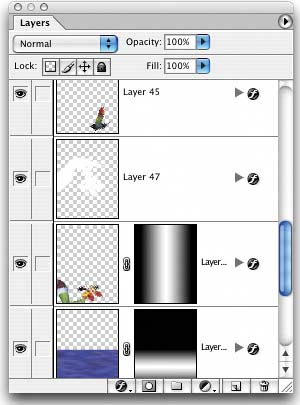
| This is a quick little tip for keeping your Layers palette shorter and more manageable. When you apply Layer Styles to your layers, each effect is listed separately in the Layers palette by default. If you apply five or six effects to one layer, it takes up a ton of room in your palette, and before you know it, you're scrolling farther and farther down the palette. To have it take up dramatically less space, collapse the effects in the palette by clicking on the down-facing triangle next to the little "
|
 " icon to the right of the layers name in the Layers palette. You can expand this list of effects anytime by clicking in the same spot.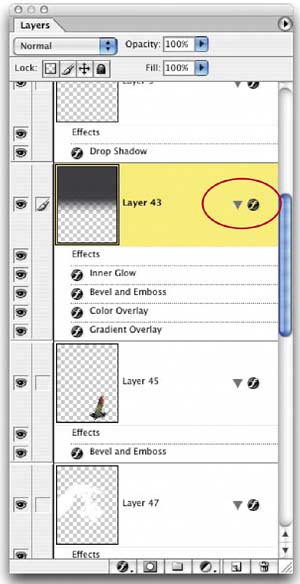

The Digital Photography Book
ISBN: 735713561
EAN: 2147483647
EAN: 2147483647
Year: 2006
Pages: 429
Pages: 429
Authors: Scott Kelby